100 Days of School Free SVGs for Shirts
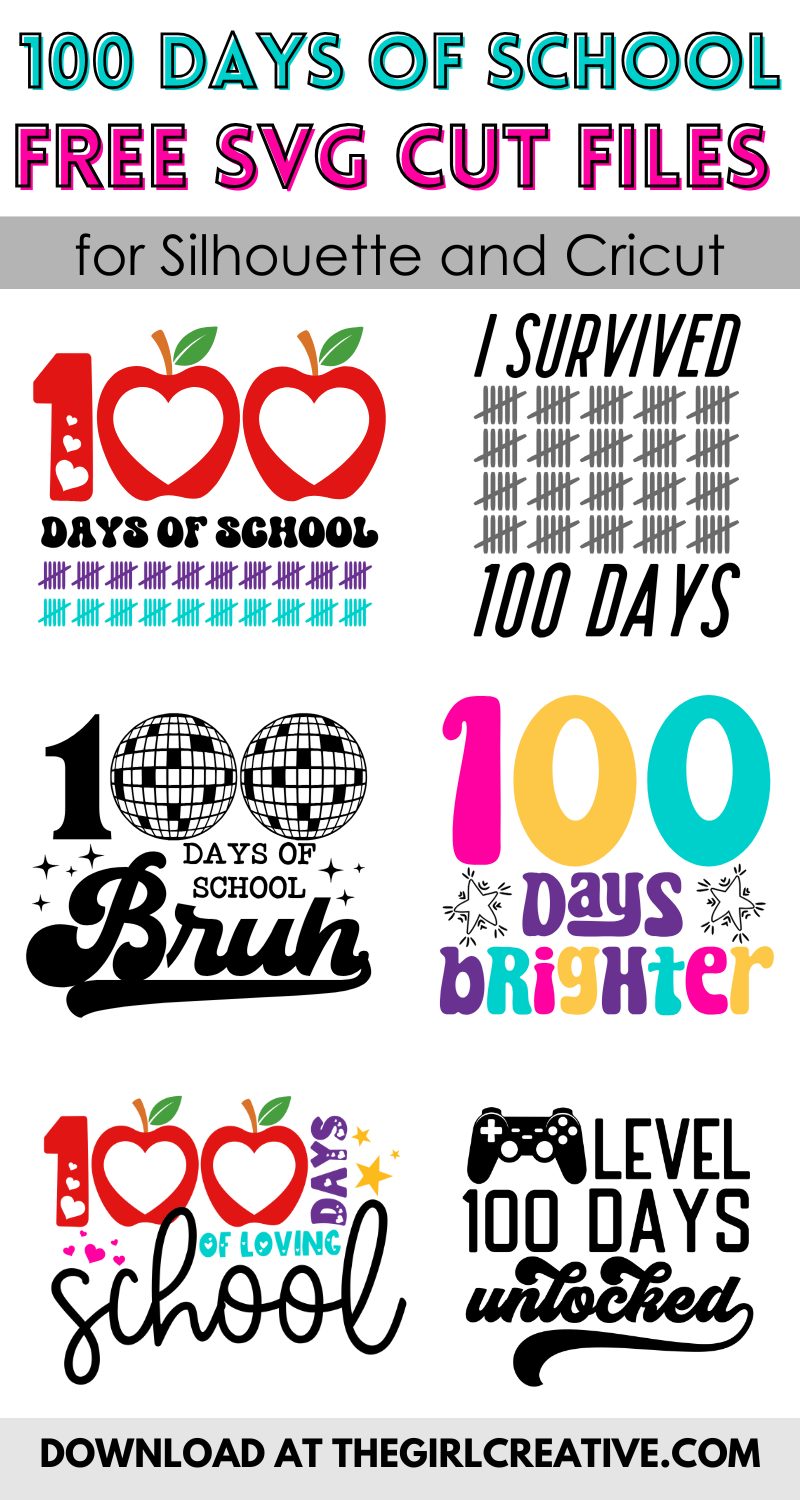
Are you or your kiddos celebrating 100 Days of School? We totally got you covered with our new Mini Bundle of six 100 Days of School Free SVGs for Shirts.
They’re perfect for making DIY shirts, mugs, tumblers, stickers and more!
RELATED: Free Print and Cut 100 Days of School Stickers
100 DAYS OF SCHOOL FREE SVGs for SHIRTS
I’m so excited to be sharing with you these new designs just in time for celebrating 100 Days of School.
This mini bundle has 6 adorable designs with a few totally cool ones just for boys.
RELATED: If you’re new to The Girl Creative, take a peek at a few of my favorite freebies from the archives.
- Lookin’ Cool for Back to School SVG
- Homeschool Themed Free SVGs
- Free SVGs for Sports Moms
- Free Birthday Themed SVG Cut Files
FREE COMMERCIAL USE FONTS
When creating new designs I always make sure to use fonts that come with a commercial use license. This allows me to sell my designs if I choose to.
My favorite sites to download fonts are Creative Fabrica and FontBundles.net.
They offer thousands of fonts and an awesome assortment of FREE FONTS that come with a commercial use license.
WHAT THE FONT?
I used a number of different fonts in these designs and here are the links so you can get them too!

100 DAYS OF SCHOOL SILHOUETTE CRAFT IDEAS
I know sometimes we see a design that we just love and can’t wait to use, but when the time comes we draw a blank.
Click HERE to see inspiring ways to use Free SVG Files with your Silhouette or Cricut.
If you would like to make a shirt with any of these free 100th Day of School designs, I share step-by-step instructions in this post.
I go over how to use your Silhouette Studio software to get your SVG ready for cutting including mirroring the image and cut settings.
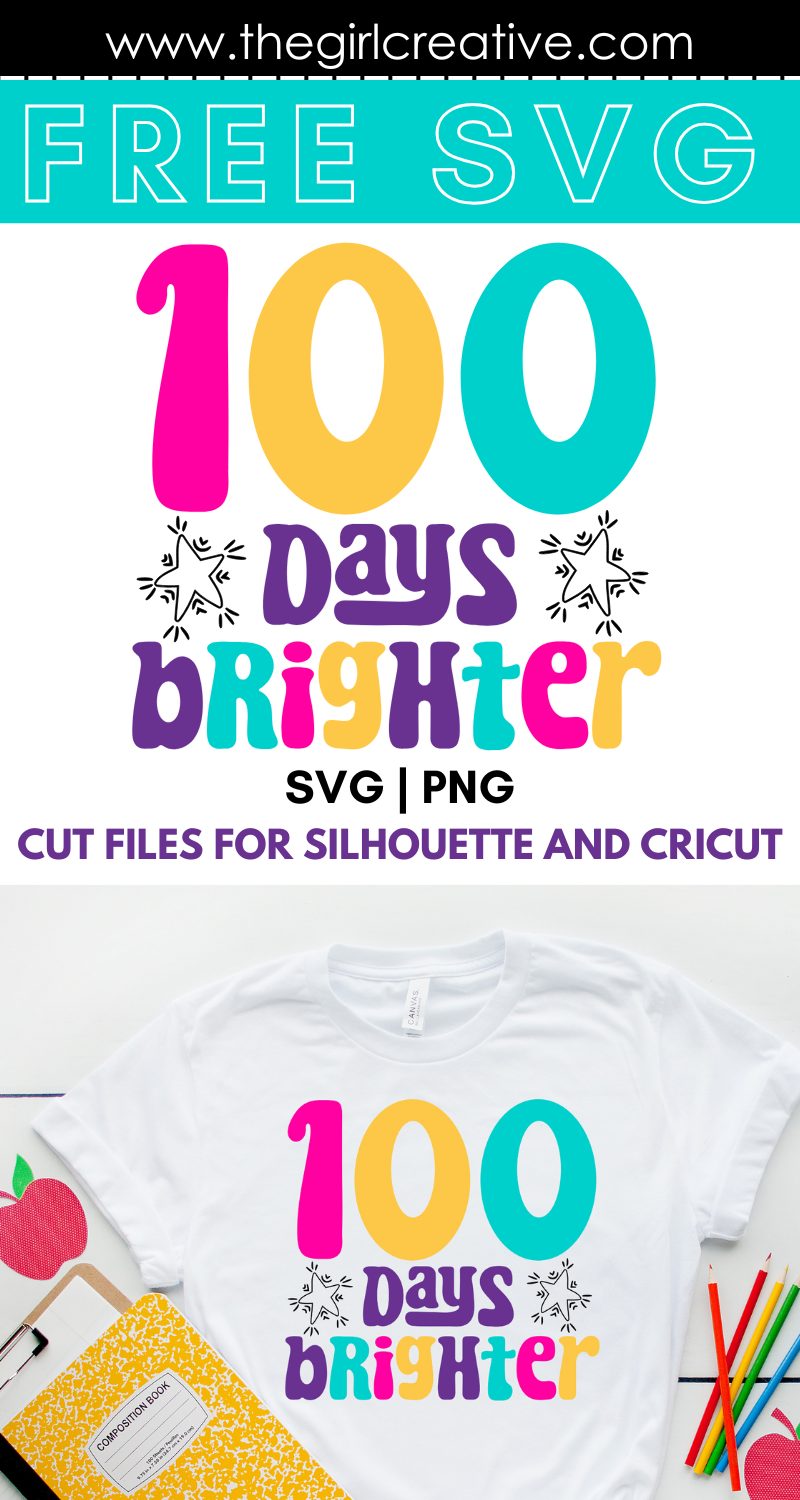
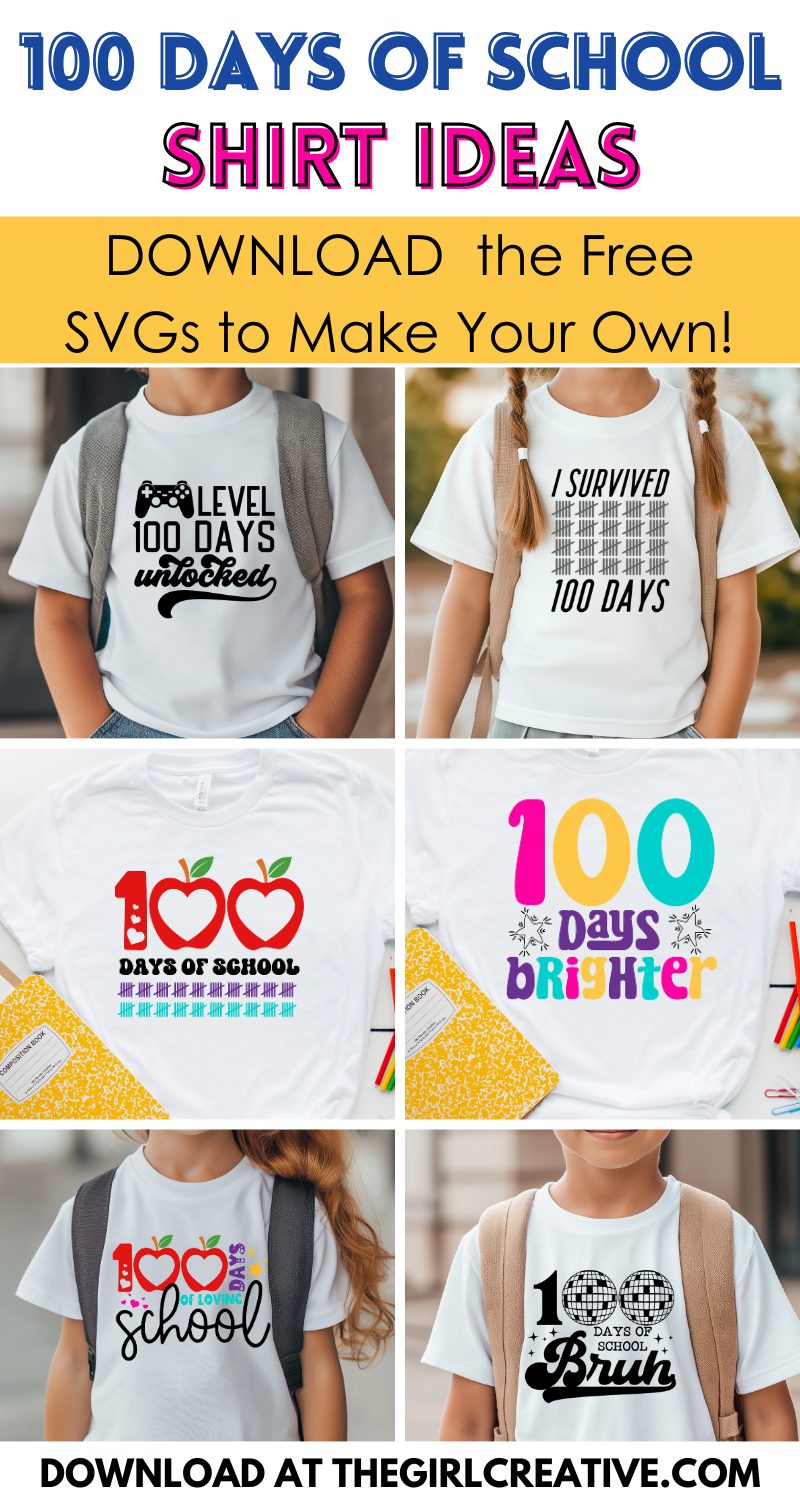
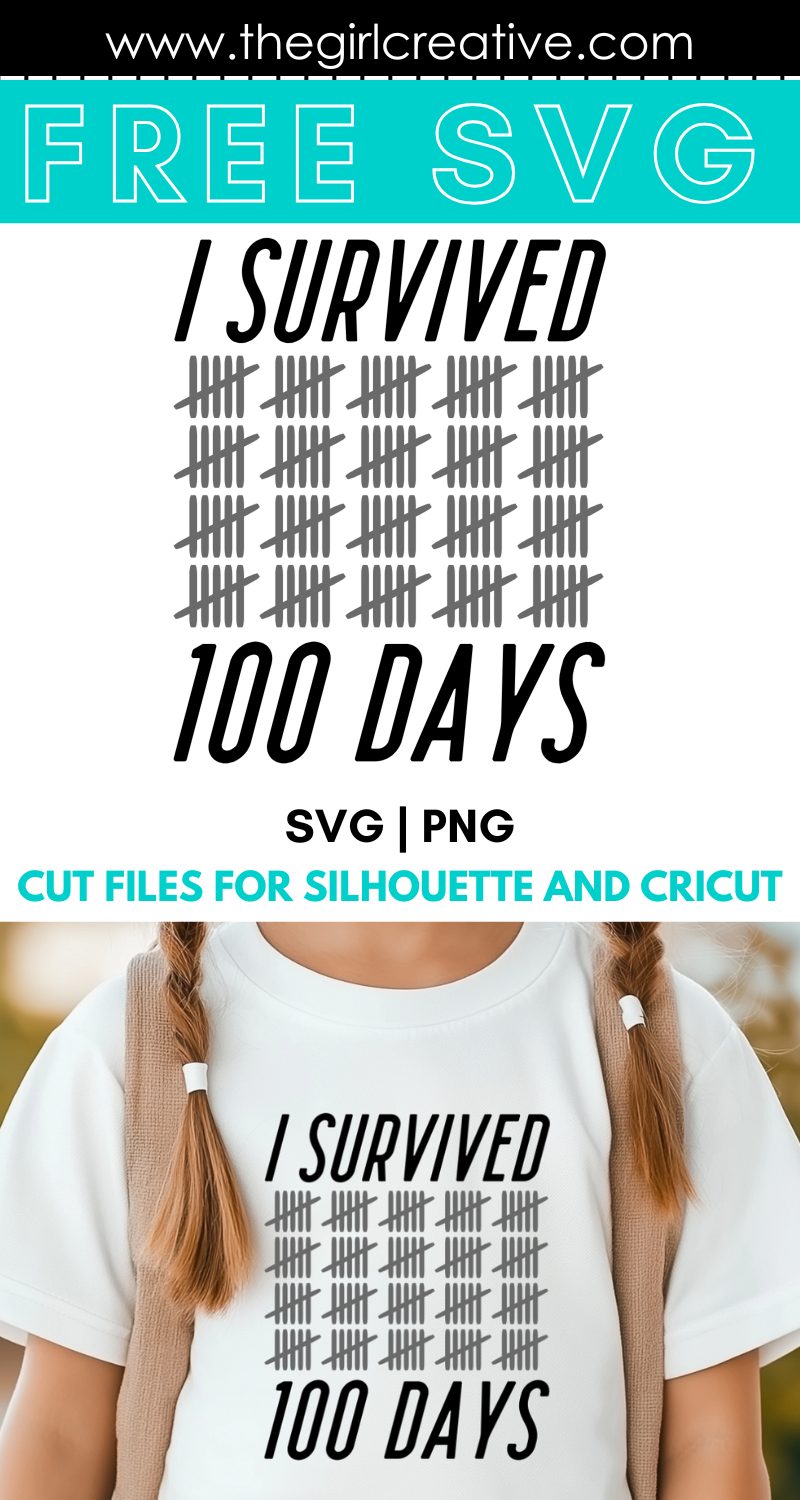
You can do so much with these six 100 Days of School designs. Here’s what you get:
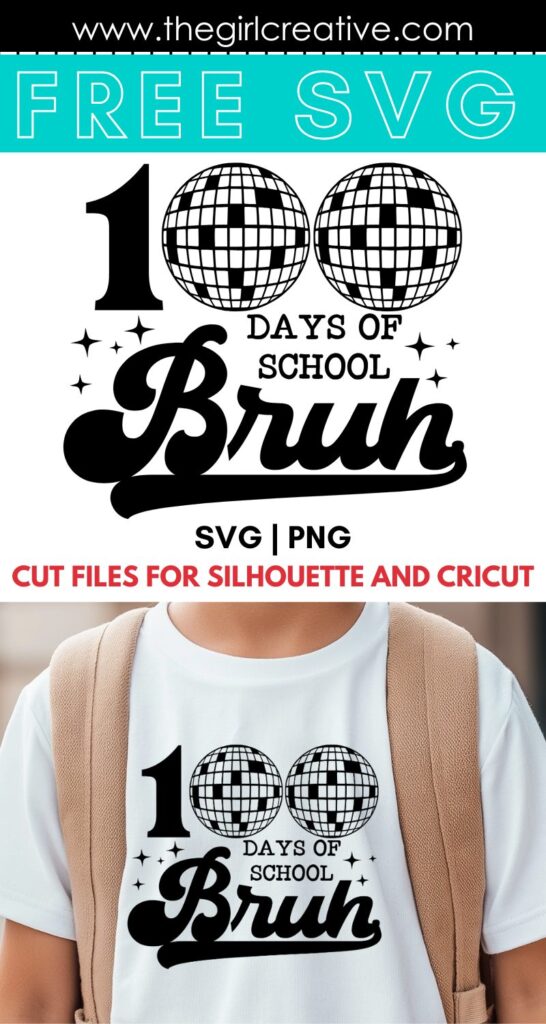
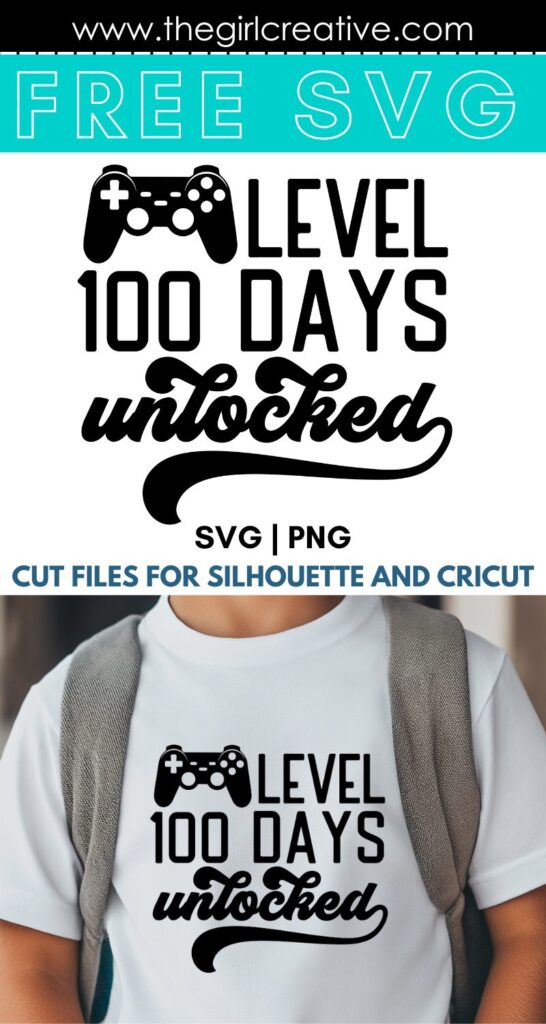
100 Days Brighter SVG | 100 Days of Loving School SVG | Level 100 Days Unlocked SVG | I Survived 100 Days SVG | 100 Days of School Bruh SVG | 100 Days of School SVG
Important File Information, Download Instructions and Terms of Use
This 100 Days of School bundle download comes with 6 SVGs and 6 transparent PNGs. The SVGs are on a 12×12 artboard but you can size them up or down to your liking in Silhouette Studio or Cricut Design Space.
The PNGs are 300 dpi which is perfect for printing if you don’t have an electronic cutting machine.
NOTE: If you have Silhouette Studio basic edition, you will need a DXF file. This file will only be provided upon request.
Your files will be in a zipped folder that you’ll need to extract. It is strongly recommended that you download your files from a laptop or desktop computer.
This free download comes with a personal use license. You can not sell, share or redistribute these files in digital or any other format. You may not sell finished products made with these designs.
WHAT CAN I MAKE WITH AN SVG?
Wood Signs and Door Hangers: To make signs you will need a wood craft blank, vinyl, transfer tape, weeding tools, paint, cutting mat and your Silhouette or Cricut machine.
Tumblers and Water Bottle Decals: If you want to add this design to a tumbler or water bottle you will need a drink blank which you can pick up at Target, Michaels, etc. and the same items from the wood sign.
Tote Bags: We’re living in a time where reusable bags and totes are a must have when going shopping. To make a tote bag, you will need a blank tote bag (the canvas ones from Michaels or Hobby Lobby would be perfect), HTV (heat transfer vinyl), heat press or home iron, weeding tools, cutting mat and of course your Silhouette or Cricut.
Shirts, Hoodies and Hats: Using these SVGs on fabric is one of the most popular ways to use it. To make a shirt, hoodie or tote bag you’ll need HTV (heat transfer vinyl), heat press or home iron, weeding tools, cutting mat and of course your Silhouette or Cricut.
I share step-by-step instructions in this post. I go over how to use your Silhouette Studio software to get your SVG ready for cutting including mirroring the image and cut settings.
Sublimation: If you have a sublimation printer, use the PNG file along with the craft blank of your choice and get creative. Note: colors on your screen might vary from the printed version.
Stickers: I love stickers and they are easier to make than you think. To make stickers you will need to use the PNG file sized way down, full sheet labels, cutting mat and your machine.
RELATED: If you’re a Cricut or Silhouette newbie no doubt you want to snag all of the FREE SVGS you can get your hands on. This awesome resource has it all: The Best Sites to Download FREE SVGs From.
If you want to take thing slow and you’re a new CRICUT user, this resource is perfect for you: FREE Cricut SVG Files – Where to find them and how to use them. Plenty of sites to grab freebies from and awesome tutorials on how to use your machine.
There’s no download link! Waaaaa!
Ahhh!! Thank you for pointing this out! It’s there now. 🙂